
30 Days to IT Job Readiness: Skills, Projects and Interview Preparation at HackerBook
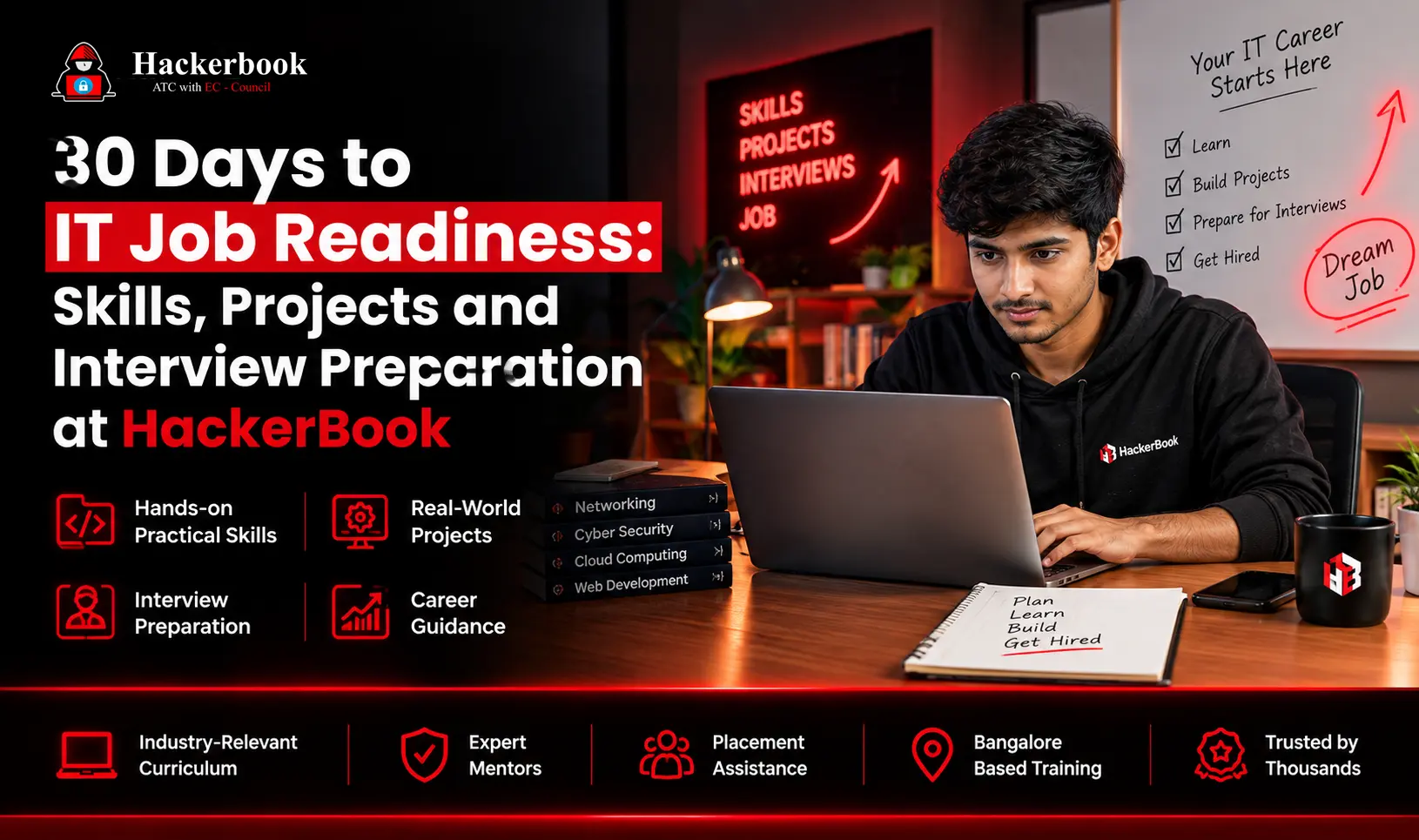
- IT job readiness in 30 days means reaching a level of baseline technical competence, real hands-on project experience, and interview confidence that makes employers take you seriously and not becoming an industry veteran by day 31.
- The route is straightforward: assess your skills in week one, close foundational gaps and start your first project in week two, build your portfolio and practise interviews in week three, and apply to live roles in week four.
- This time-boxed model gives you knowledge, portfolio assets, and a working sense of day-to-day work in IT, which involves a steady stream of tasks. At Hackerbook Technology, this same four-week structure forms the backbone of our 30-day IT job training.
- Getting there isn’t hype and it’s a focused process that blends intentional upskilling, immersion in hands-on projects, and targeted interview prep into a practical, stepwise plan. It’s equal parts sprint and learning marathon, and as countless recent career changers attest, it’s more than doable.
Key Takeaways
- IT job readiness in 30 days is realistic; however, it means being job-ready rather than job-expert. The goal is baseline competence plus proof of work.
- Follow the four-week structure: assess, learn core skills, build projects and interview skills, then apply.
- Projects beat theory. One documented home lab or automation script gives you interview stories that certifications alone can’t.
- Four skill areas carry entry-level hiring: technical fluency, communication, problem-solving, and professional habits.
- Assess weekly. Skills snapshots, project reflections and mock interview feedback keep the sprint honest.
- Interview prep is half the job. Please rehearse a 60-second commercial and verbally walk through your troubleshooting logic.
Understanding IT Job Readiness in 30 Days
- What does “IT job preparedness in 30 days” entail? At its core, it’s a blend of essential technical skills, foundational workplace abilities, and that all-important “can do the work” credibility. The key distinction: it’s job-ready, not job-expert.
- Fast-tracked job readiness programs and from New York’s Housing Works Acceleration to tech bootcamps and online IT job-ready training platforms use a one-month cycle for a reason. Thirty days is short enough to maintain urgency and long enough for intense immersion when approached with focus and realism.
- Most entry-level IT roles, especially help desk, support, QA, and junior dev positions, hire on practical skills, communication, evidence of learning, and readiness to adapt. This plan centers on those foundational layers rather than trying to cover every possible specialization.
Creating Your 30-Day IT Readiness Plan
A successful 30-day plan isn’t pie-in-the-sky; it’s a living schedule, mapped week by week and honed through daily micro-goals. The version below is the same shape we use for job-oriented IT training at Hackerbook Technology — structure with enough flexibility to track measurable progress.| Week | Focus | Sample Actions |
|---|---|---|
| Week 1 | Baseline assessment & goal-setting | Complete an IT readiness assessment; choose your job family (support, networks, dev, QA); address major gaps in OS basics, networking and productivity tools |
| Week 2 | Core skills & foundational knowledge | Dive into core IT concepts such as troubleshooting and basic scripting; begin hands-on project #1; start your resume and LinkedIn overhaul |
| Week 3 | Project building & interview skills | Launch project #2 or expand project #1; practice peer or career-coach mock interviews; solidify your resume, GitHub profile and application assets |
| Week 4 | Applications & interview mastery | Apply to real roles daily; complete technical and behavioral mock interviews; review project learnings and document accomplishments |
Essential Skills for IT Job Preparedness
Ask around, and most hiring managers say the same thing: real readiness boils down to a handful of foundational skills, technical, behavioural and practical; that prove you can solve problems and keep learning. Effective IT skills training in a 30-day window concentrates on these four.| Skill Area | What It Covers | Why Employers Test For It |
|---|---|---|
| Technical fluency | The skills required include knowledge of operating systems (such as Windows, macOS, and Linux basics), office suites, troubleshooting, networking concepts, security hygiene, and proficiency in a core programming language or scripting tool like Python or PowerShell. | This knowledge demonstrates that you can function effectively in a real work environment from the first day. |
| Communication | Provide clear written and verbal updates that accurately describe problems and translate technical issues for non-technical audiences. | Most entry-level IT work is people-facing |
| Problem-solving mindset | Methodically breaking down unfamiliar issues, researching solutions, documenting findings | Matters more than raw memorization |
| Professional habits | On-time communication, basic project tracking, comfort with email, documentation and ticketing systems | Predicts how you’ll perform inside a team |
Hands-On Projects to Build IT Experience
Here’s where theory hits the ground running. Nothing signals IT job readiness in 30 days to a hiring manager quite like hands-on projects, and this is where practical IT training replaces bullet-list claims with tangible proof. A portfolio with even one or two focused mini-projects stands out.- For IT support or networking: set up a home lab with virtual machines, router configuration and mock help desk tickets, then document the troubleshooting workflow.
- For software or the web: create a personal website, automate a boring daily task using a script, or contribute a bug fix to an open-source project.
- For cybersecurity: develop a checklist for hardening a system, or walk through the steps of a vulnerability scan in a demo environment.
IT Readiness Assessment: Tracking Your Progress
Any serious IT career training plan needs a feedback loop of regular, honest progress checks. Readiness assessments aren’t just for corporate HR; when used well, they’re gold for personal growth.Initial skills snapshot:
Take a structured assessment (many free versions exist online or on learning platforms) to surface strengths and gaps early.Project-driven reflection:
Each time you finish a mini-project, list the top issues solved, tools learned and what stumped you.Behavioral check-in:
Track soft skills in workplace communication, task tracking, and response to feedback. These shape not just employability but how you’ll work day-to-day.Mock interview feedback:
After each practice interview, note the questions that threw you off and the concepts you explained well, then adjust next week’s study plan. The strongest 30-day journeys look a lot like mini-bootcamps: short, sharp sprints with regular checkpoints. If you’re unsure you’re progressing, ask someone in the field for a quick portfolio review. Honest input now beats disappointment after thirty days.Mastering IT Interview Preparation in 30 Days
It’s a running joke in IT circles that the technical part is only half the battle and the rest is knowing what to expect in the actual interview. In a fast-paced 30-day window, targeted IT interview preparation is both a skill and a stress-buster.Common IT Interview Questions and Strategies
- “Tell me about a time you solved a technical problem.” Real stories from your month of hands-on projects are gold. Be specific: show the steps, the outcome, and how you researched an answer.
- “How do you handle tickets you can’t solve immediately?” Interviewers are looking for your troubleshooting flow and willingness to ask for help and nobody expects a junior staffer to know every answer.
- Basic troubleshooting logic checks: “A user’s internet isn’t working and what do you check first?” Walk through your steps, demonstrate calm, and avoid jumping to the hardest fix first.
Building Confidence for Technical Interviews
Interview jitters aren’t unique to tech, but something about sitting in front of a panel waiting for a curveball question rattles even seasoned pros. The difference for 30-day candidates is preparation rooted in the projects and habits built over the past month.- Practice with peers, friends or online mock interview tools as often as your schedule allows.
- If you stumble, follow up on a similar question later to build “muscle memory” for your answers.
- Jot down unexpected questions and identify knowledge gaps for a quick review after each session.
- Remind yourself that nobody expects perfection and just honest problem-solving and a willingness to learn.
Day-to-Day Responsibilities in IT Roles
It’s tempting to think IT jobs are all about the big, shiny problems, the “server’s down” emergencies or hacking drama. In reality, most IT day-to-day work is the steady churn:- Review support tickets and prioritize issues
- Take calls or answer chats about user concerns
- Log findings, escalate as needed, and communicate with non-technical staff.
- Update or patch systems and troubleshoot network blips
- Document fixes and build internal knowledge bases
Frequently Asked Questions About IT Job Readiness
Yes, for entry-level roles such as help desk, IT support, QA, and junior development. Thirty days of focused IT job training is enough to build baseline technical fluency, complete one or two portfolio projects, and rehearse interviews. It is not enough to reach senior or heavily specialized roles, which need months or years of depth.
Pick one project that matches your target role and document it end-to-end. Support and networking candidates should build a home lab with virtual machines and mock tickets; developers should ship a small website or automation script; cybersecurity candidates should run a hardening checklist or vulnerability scan in a demo environment.
The “30-60-90 day rule” is a popular onboarding template. In the first 30 days you absorb basics and learn the lay of the land; from days 31 to 60 you actively contribute and identify areas for improvement; from days 61 to 90 you aim to own projects and show growing independence. Fast-track IT readiness programs compress step one — skills and acclimation — into the first month.
The “3-month rule” means giving any new job or a big career effort at least three months before making major judgments. In readiness programs the first month brings focused learning; by three months most people see clearer strengths, challenges and a pattern for sustainable success. For accelerated 30-day programs, it becomes intense learning first, steady growth after.
People debate this endlessly, often citing teaching, creative fields or IT for those who love solving puzzles and helping others. The “happiest” job is really about fit — the mix of challenge, autonomy and impact. Many find deep satisfaction in tech roles that blend problem-solving with real community impact, especially when the work enables growth and flexibility.
IT job readiness in 30 days isn’t magic, but it is practical and proven. A structured approach, skills assessment, targeted learning, real projects and mock interviews, equips new entrants not only to land a first role but also to keep climbing from there. The real story isn’t a checklist. It’s evidence of action, growth, and the ability to solve genuine problems.
Finishing a 30-day plan marks a beginning, not an endpoint. Keep those skills sharp: tackle new projects, seek feedback, and keep applying momentum matters. The tech world favors the persistent and the practical, so use your first offer as a launchpad rather than a finish line.
Ready to start your 30 days? Talk to the team at Hackerbook Technology about a job-oriented IT training track built around your target role, complete with hands-on projects, portfolio reviews and mock interview practice. Book a free readiness assessment and get your week-one plan mapped out.